Cue for iPhone, iPad and Apple TV

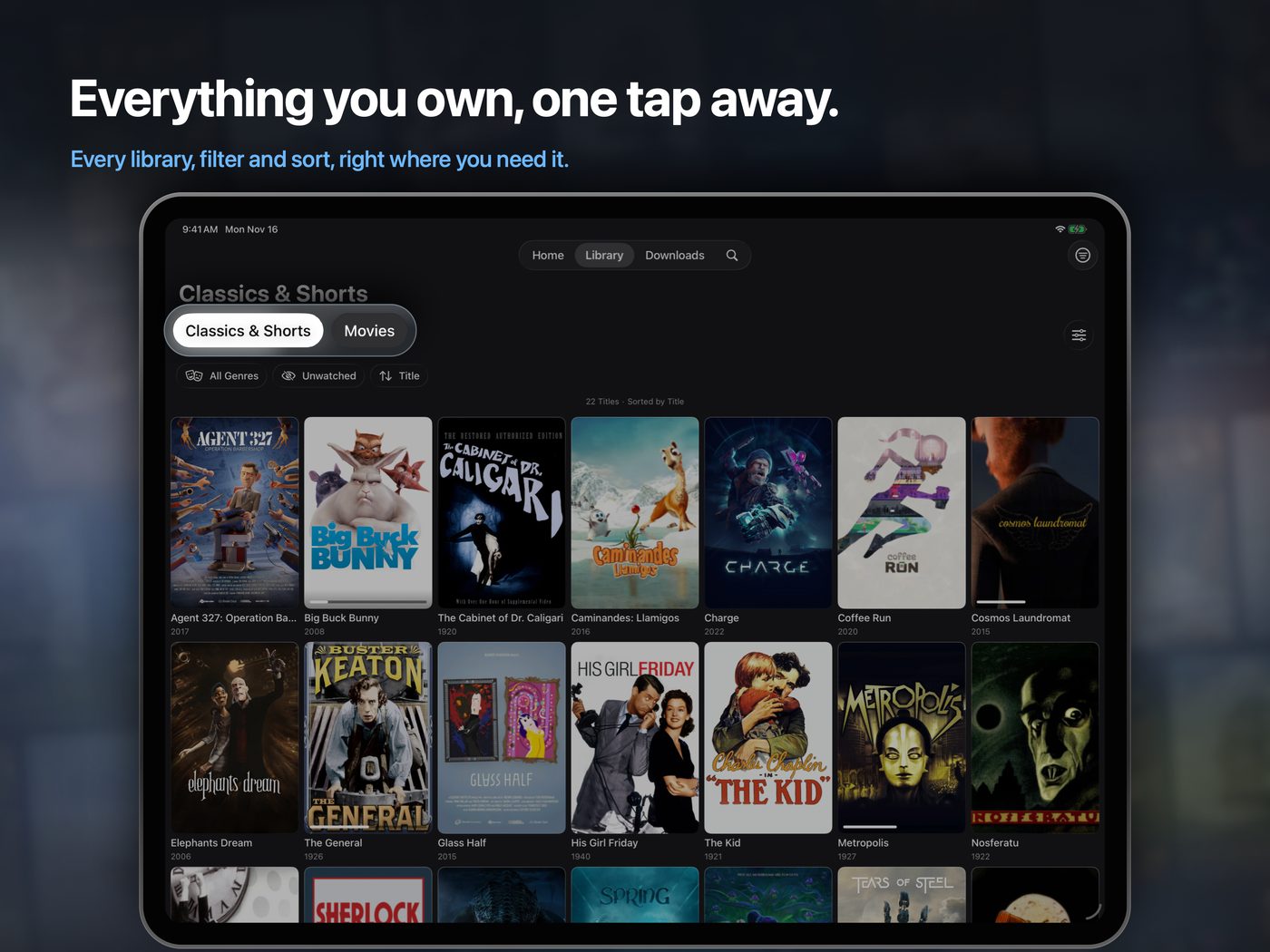
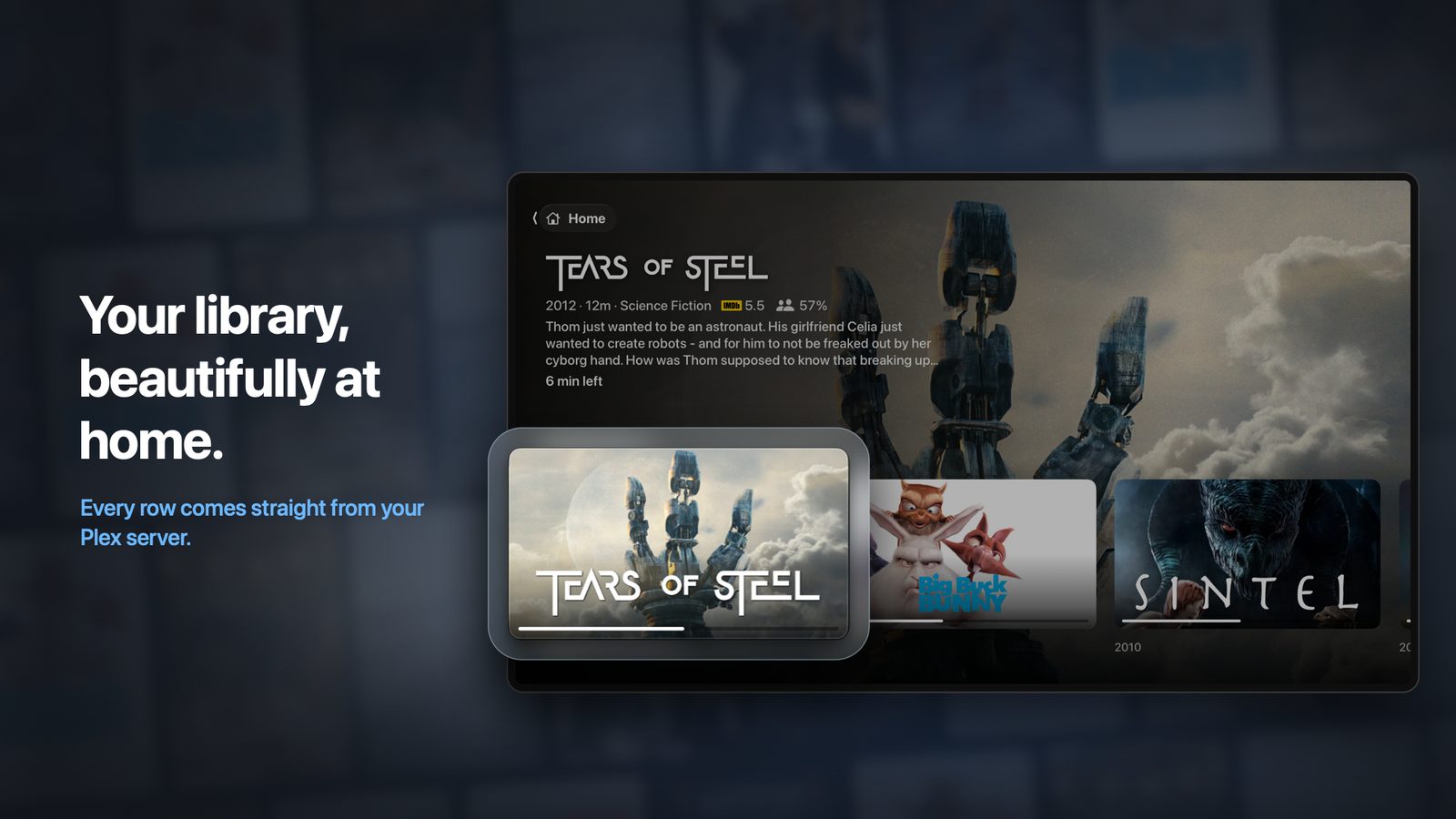
Your Plex library, beautifully at home.

A player for your own Plex Media Server. Full-quality direct play, downloads, Watch Party, and Onstage, which names the actors on screen.

Free. Requires a Plex account and your own Plex Media Server. Cue does not host, provide, or find any content.

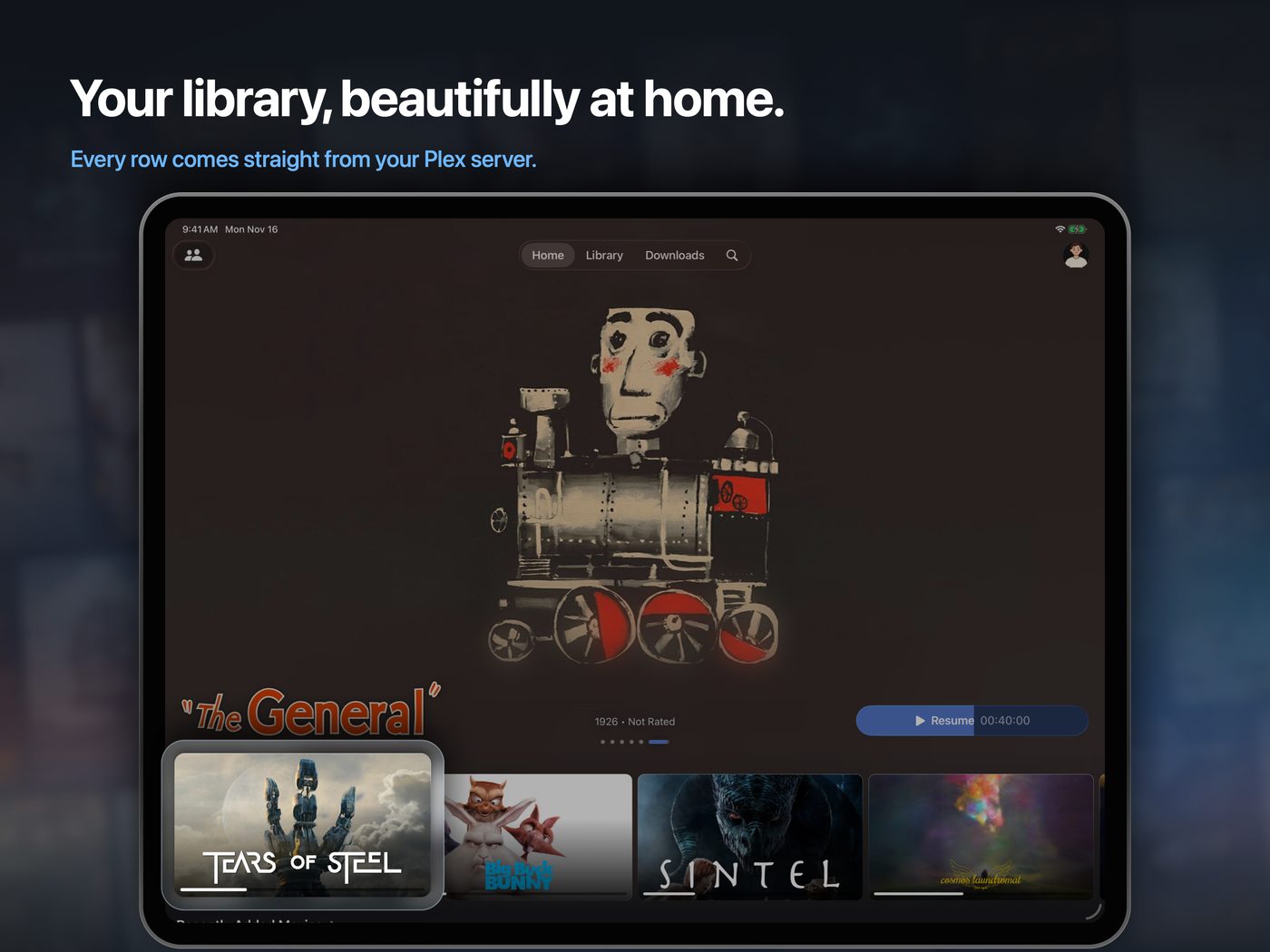
Cue’s Home on Apple TV: Nightjar in the spotlight above a Watching row with The Paper Kite and Marigold Revue.
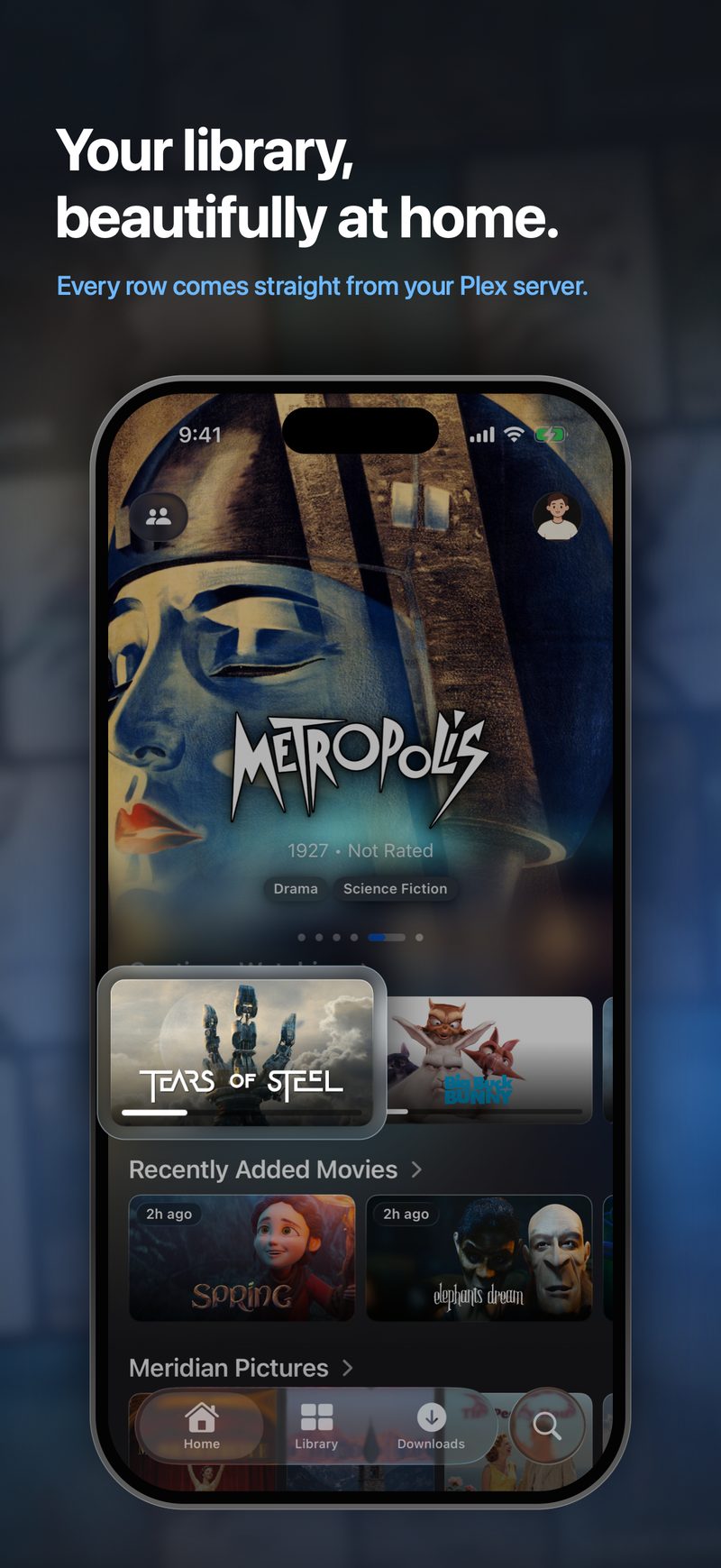
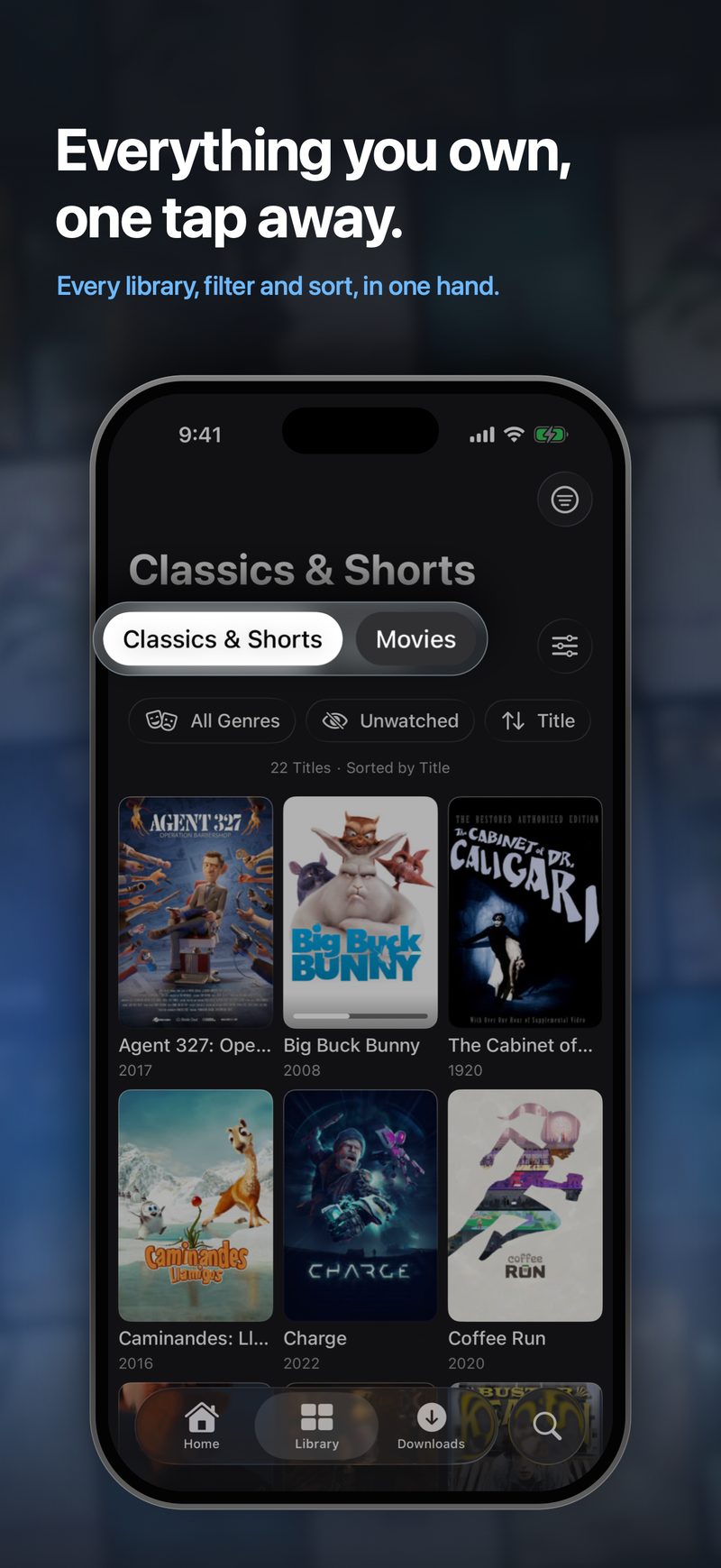
Cue on iPhone: Home, with Metropolis in the hero and rows from a Plex server.

Onstage

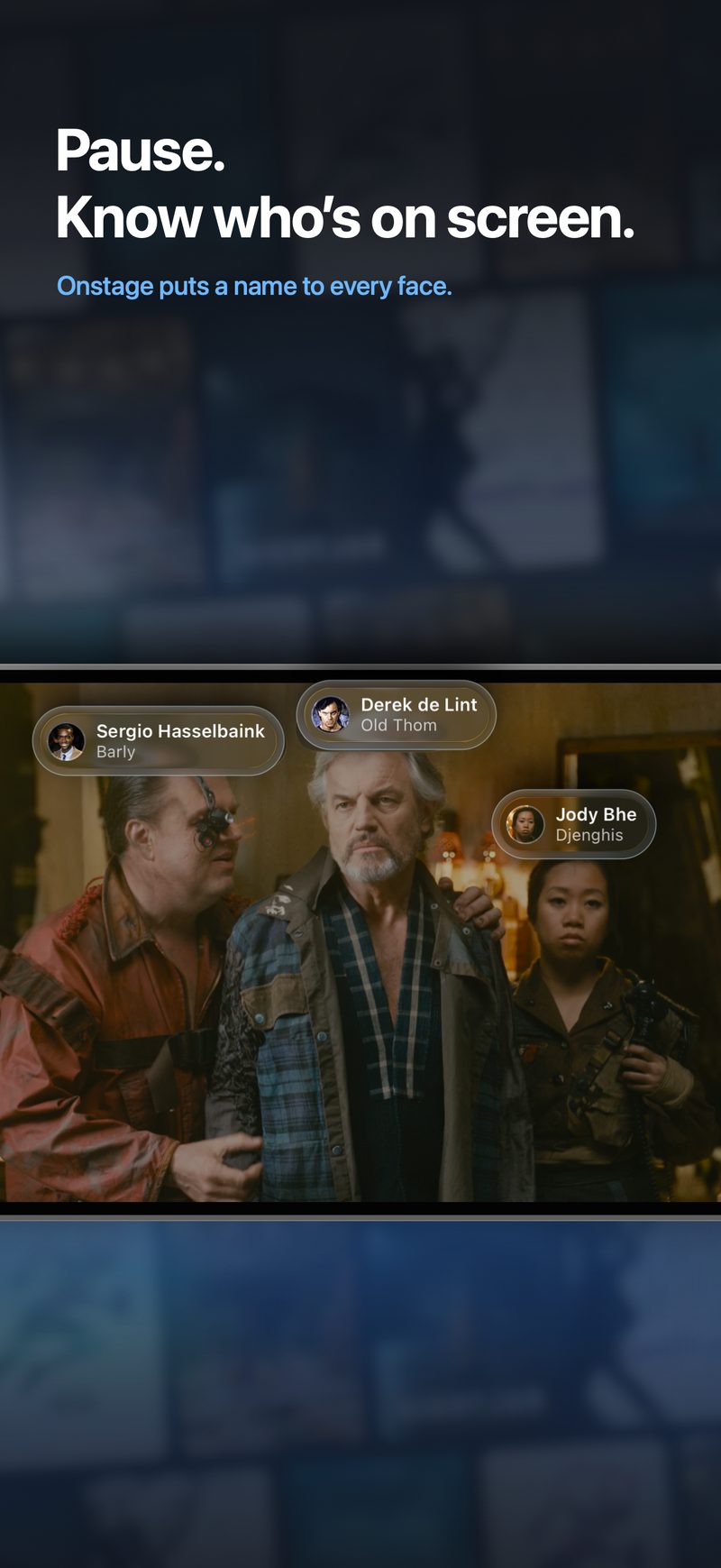
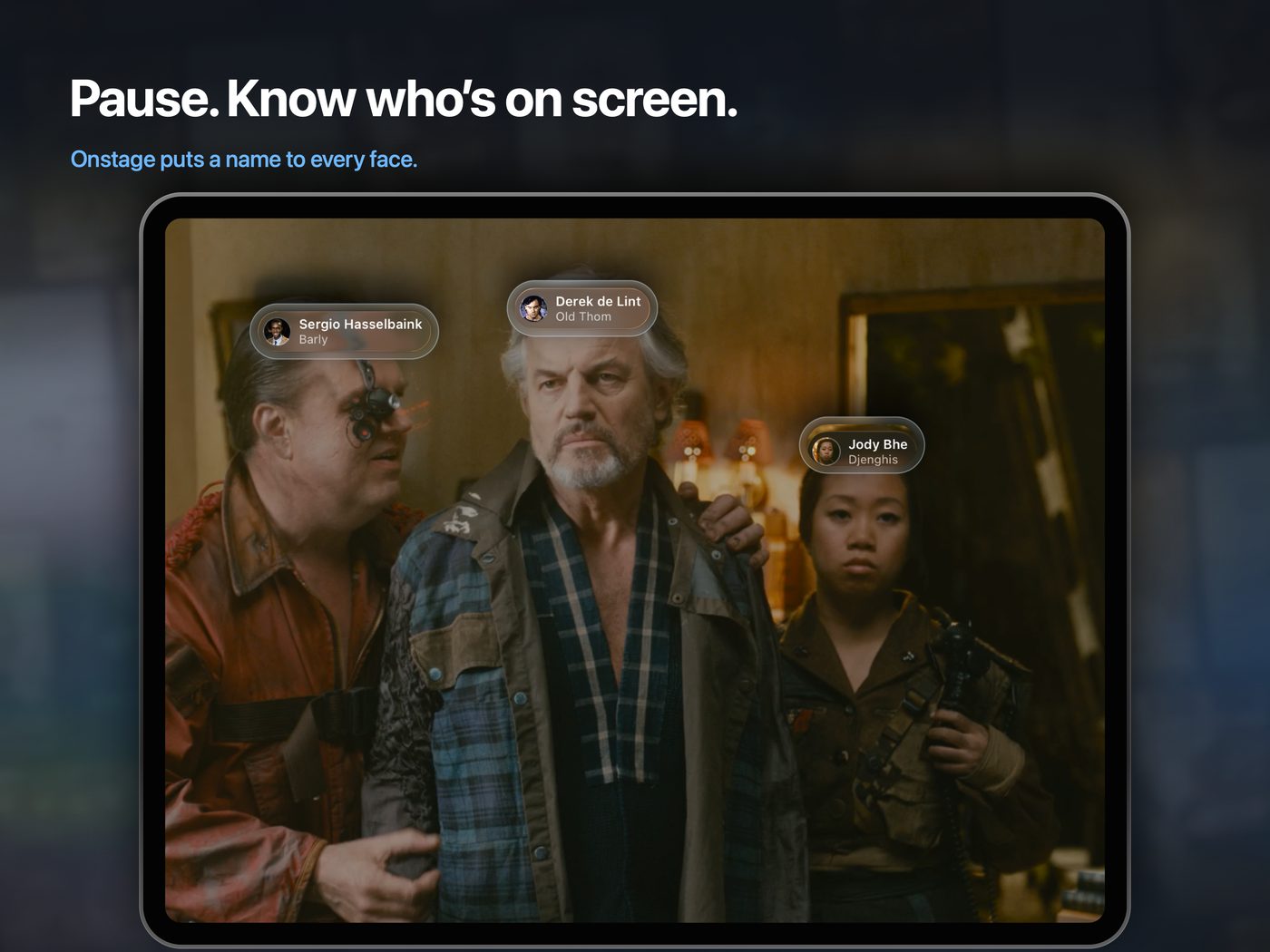
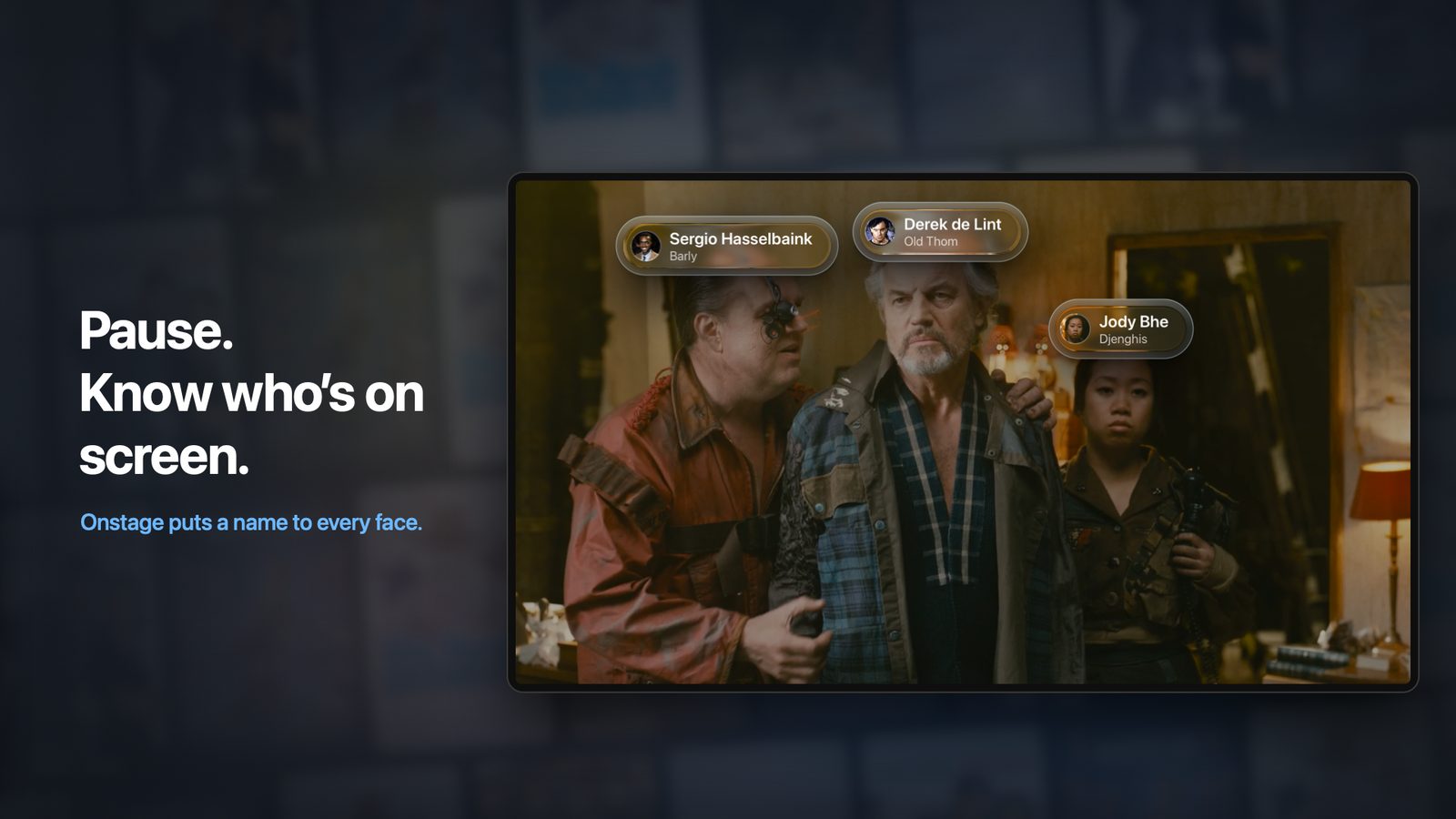
Pause. Know who’s on screen.

Cue names the actors in the frame and the characters they play. Tap one to see what else they’ve been in, then jump straight back to your scene.

Recognition happens on your device, and what it learns stays in your own iCloud, end-to-end encrypted. It’s off until you turn it on.

A paused scene with Onstage name tags over two characters in a records room.

Watch Party

Same second, different couches.

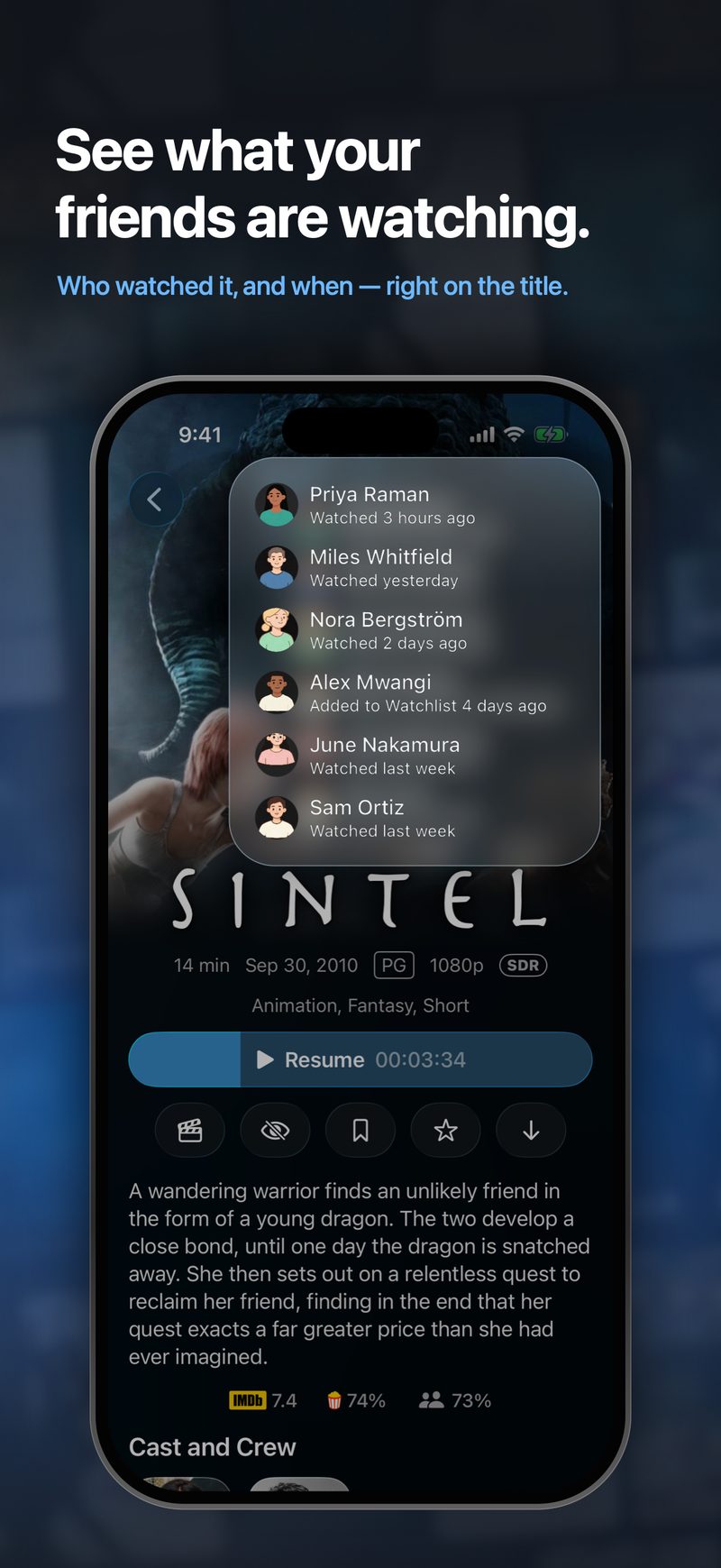
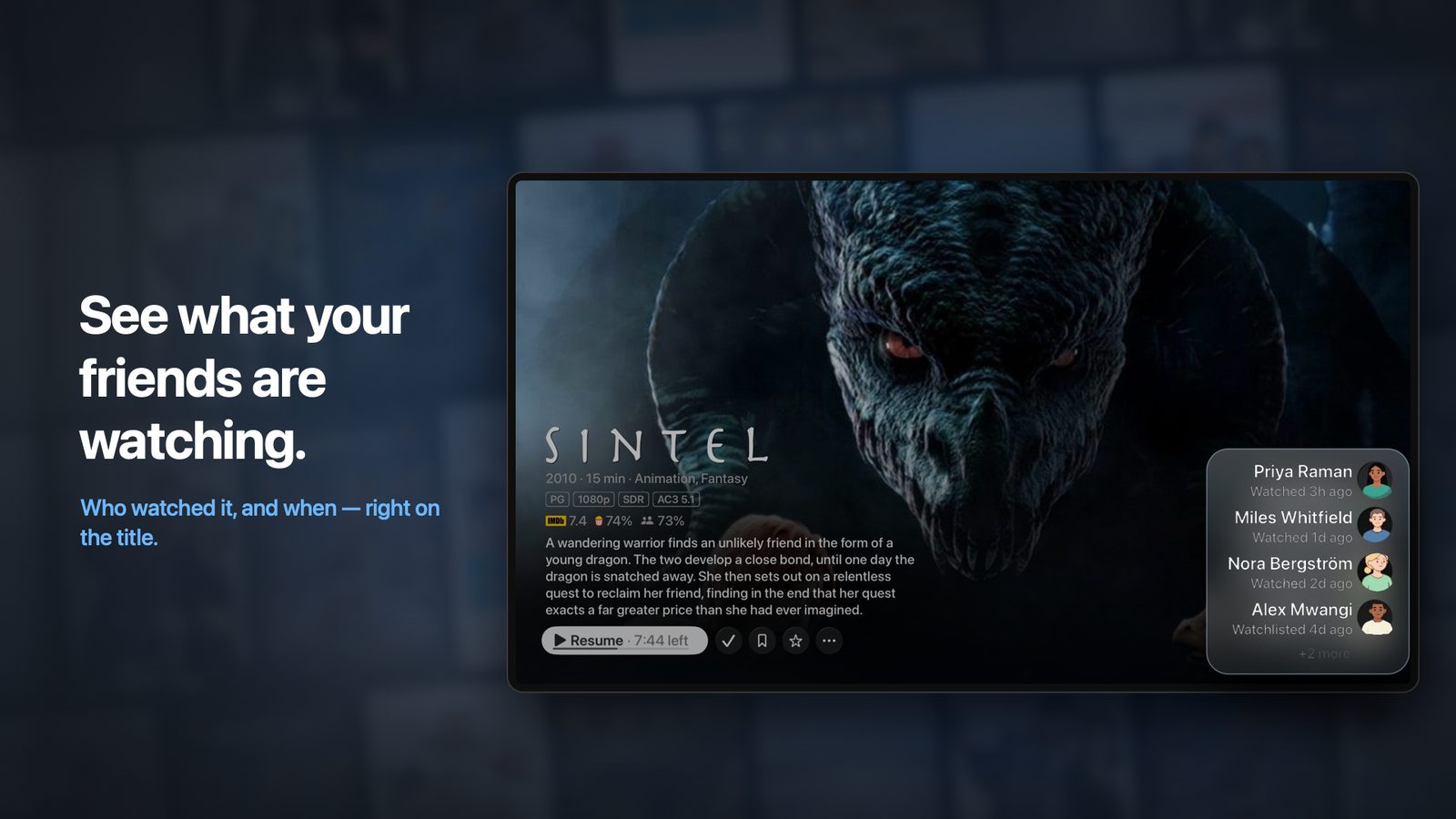
Invite a person, not a room code: pick someone from your Plex friends and you’re watching together, with reactions. If someone’s connection stalls, Cue says so instead of just freezing.

A Watch Party on Apple TV: friends’ avatars and emoji reactions over a dinner scene from The Long Table.

Auto-Frame and Downloads

Fill the screen. Take it with you.

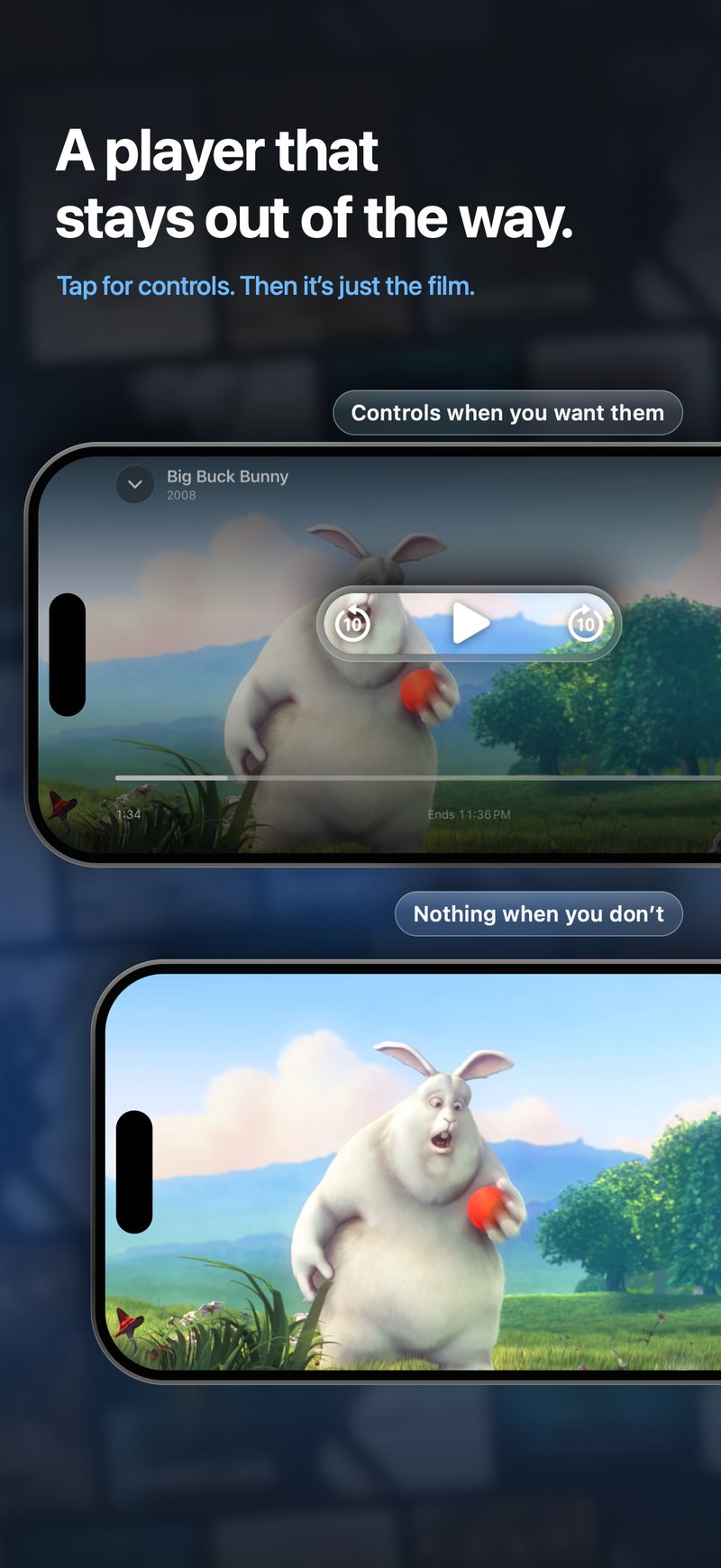
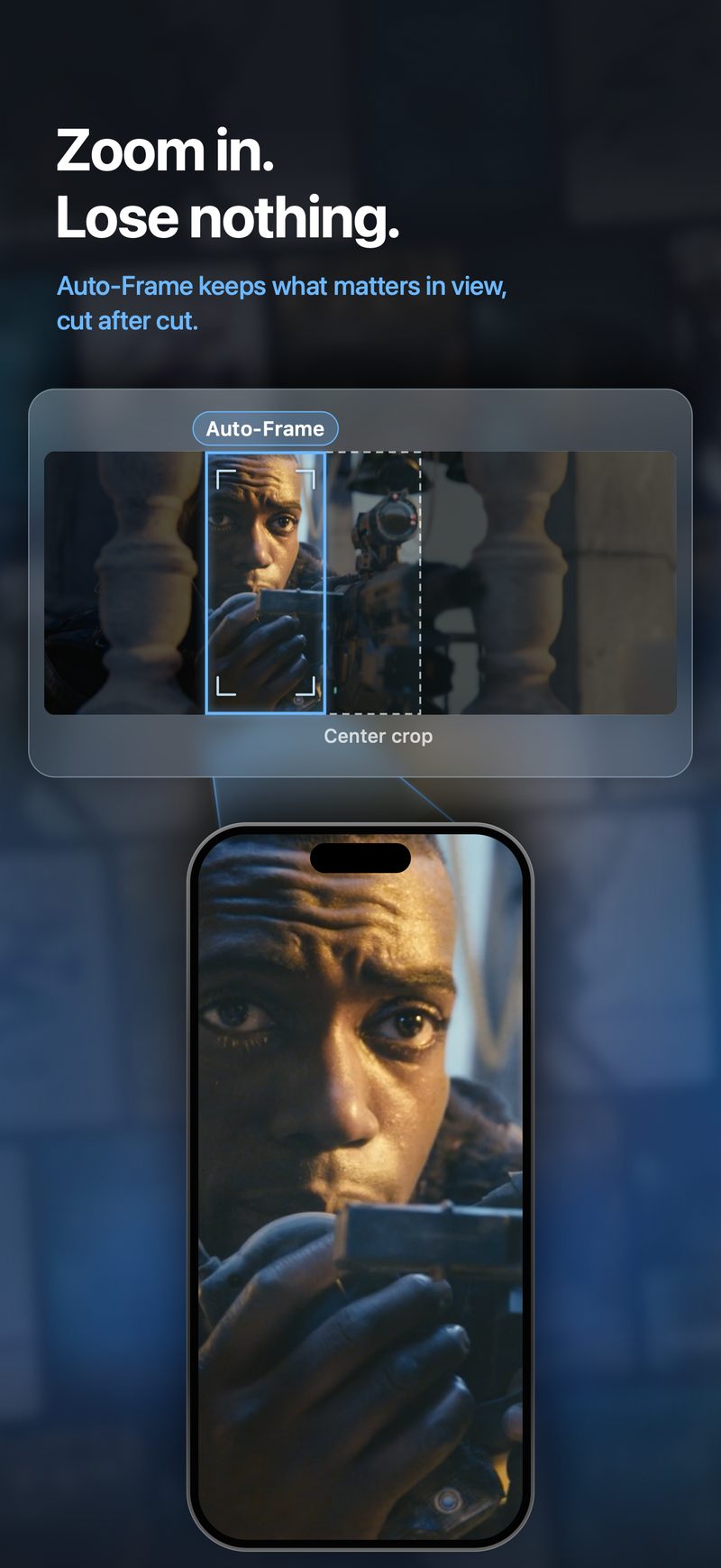
Zoom past black bars burned into the video, and Auto-Frame keeps the subject in view, cut after cut.

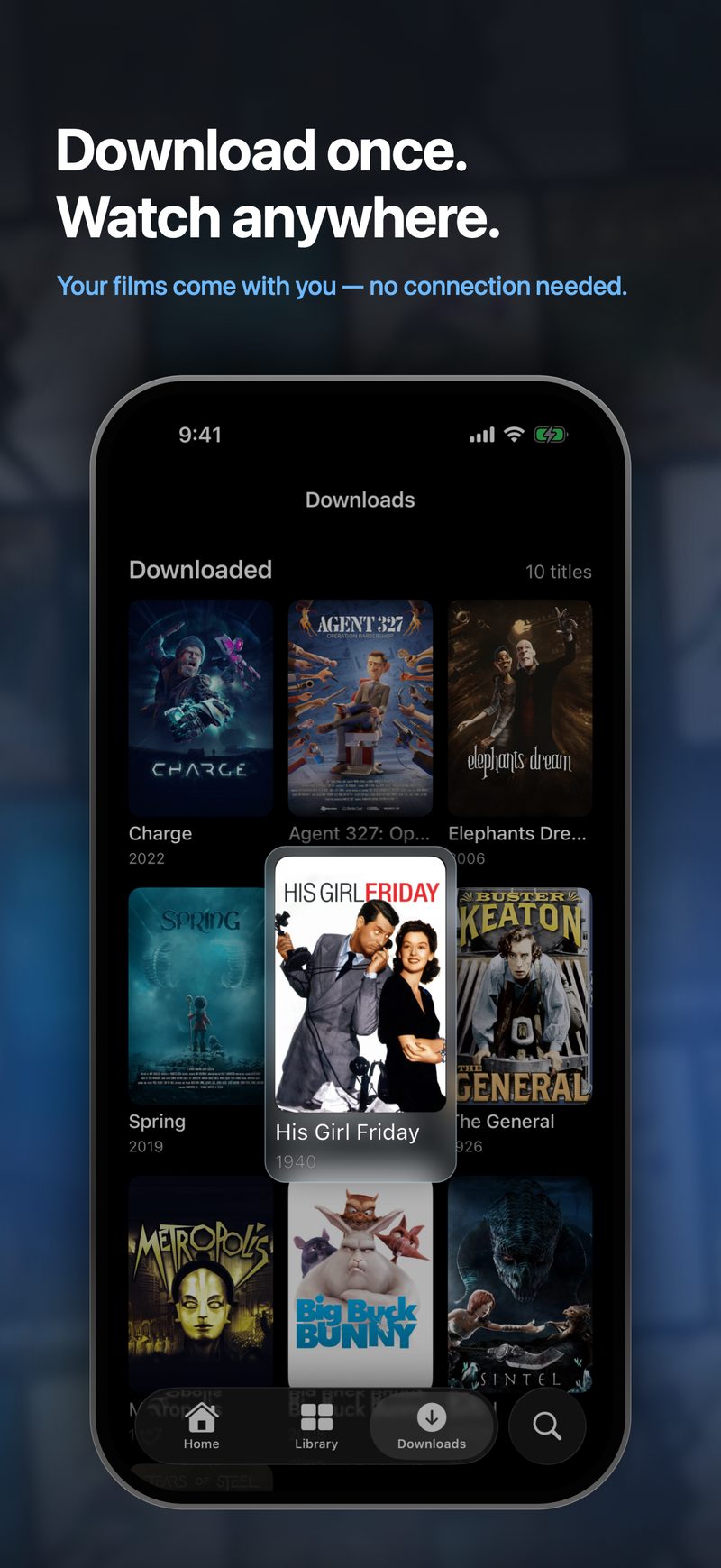
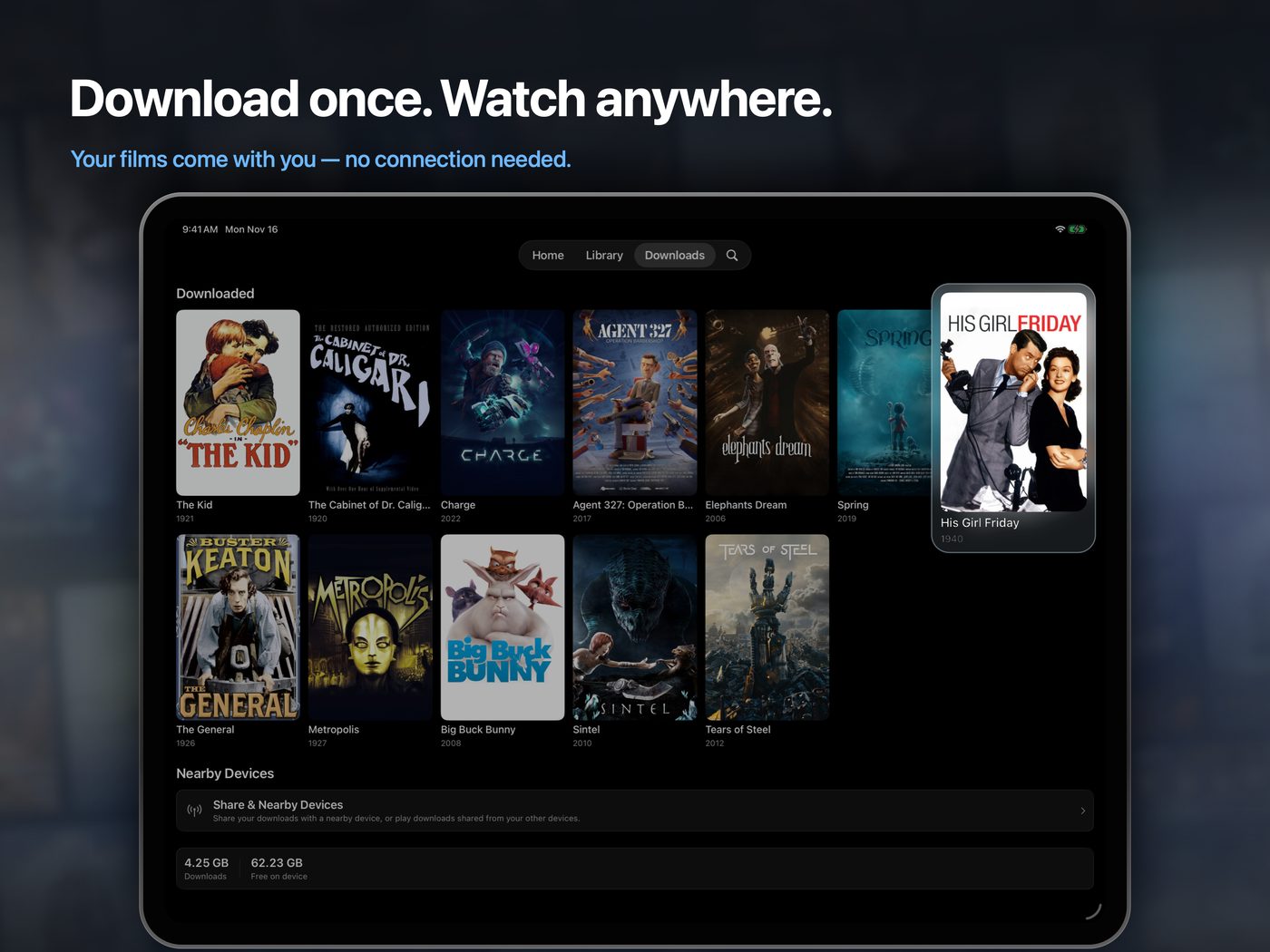
Download movies and episodes to watch offline, and pass them from iPhone to iPad directly, no internet needed. Picture in Picture keeps the film playing while you look something up.

Auto-Frame on iPhone, filling the screen with a close-up while keeping the face in view.
The Downloads screen on iPhone, with films saved for offline viewing.

Direct play, no transcode

Your files exactly as they are: 4K, HDR and Dolby Vision on supported devices. On Apple TV, Dolby Digital, Dolby Digital Plus and Atmos go straight to your receiver, untouched.

Subtitles that keep up

Auto-Sync listens to the dialogue on your device and pulls drifting subtitles back in line. No subtitles at all? Cue can caption the film as the words are spoken.

Private by design

No ads, no analytics, no tracking, no account with us. Cue talks to your Plex server and to Plex. The only service we run keeps a Watch Party in sync.

Press play on your own library.

Free, for iPhone, iPad and Apple TV. All it needs is your Plex account and server.

Support

Two ways to get help:

Before you paste logs anywhere public: Plex logs and URLs routinely contain your server's address (including your home IP) and an X-Plex-Token, which is a working key to your library. Remove both. Cue's built-in feedback screen does this for you.

Things worth knowing before filing

Cue needs your own Plex account and server. It can't play anything your server doesn't already have.

Remote access is governed by Plex, not Cue. If your server is unreachable away from home, that's configured in Plex.

Playback problems: include the Playback Info panel. In the player, open Playback Info and paste what it says. It names the container, codecs, bitrate, and whether the file is direct playing or transcoding, which is most of the answer to most playback questions.

Privacy

No account, no analytics, no ads, no tracking. Read the full Cue privacy policy.

Cue is an independent app. It is not affiliated with, endorsed by, or sponsored by Plex Inc. Plex and the Plex logo are trademarks of Plex Inc.